Image to Spine 2D animation
One picture in. A rigged, animated character out.
Pick a template, drop your art, and get a weighted-mesh rig with ready animations as a Spine 4.2 export. This walkthrough runs on a finished example, start to finish.
What are you animating?
Mascot templates
Choose the animations you needDrop your character
One full-body image, front view, plain background works best. PNG, JPG or WebP.
Drag an image here or click to choose a file
Any image works in this demo.
or
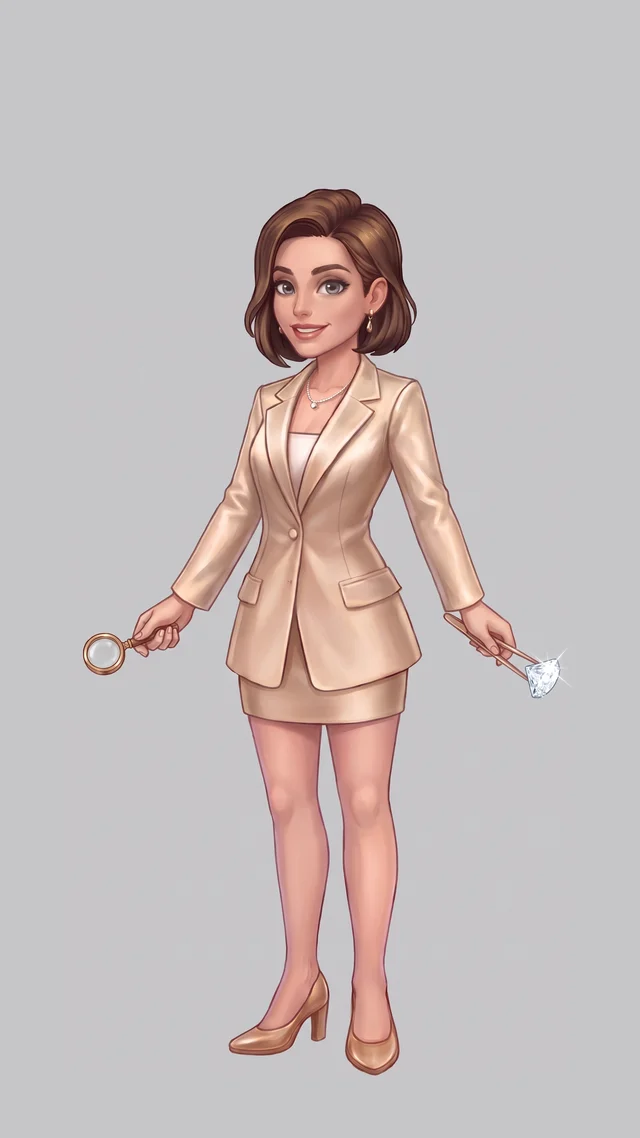
Demo uses the example character.
Nothing is uploaded. Whatever you drop, the demo continues with this finished example so you can see the full flow and the real output.
Generate
0%
- PosesKey drawings for every beat
- LayersParts split, hidden areas painted in
- RigBones, weighted meshes, physics
- AnimationTiming, easing, loop check
Your animation
Rendered live by the official Spine runtime 4.2Loading rig…